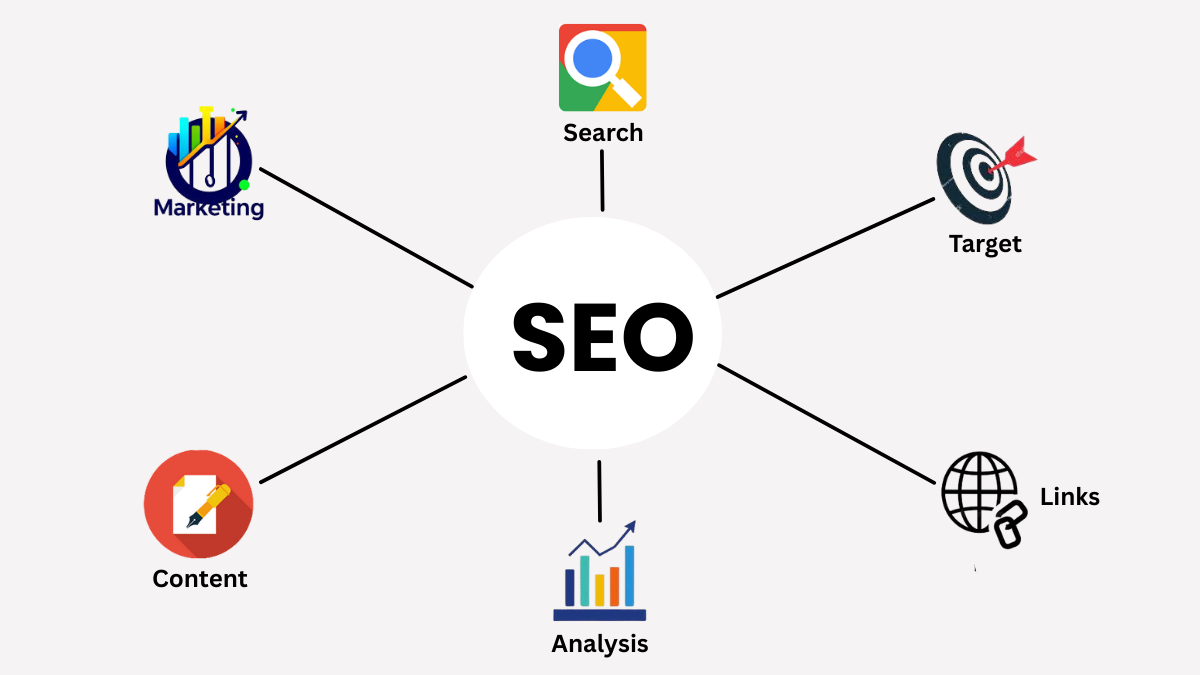
WHAT IS SEARCH ENGINE OPTIMIZATION (SEO)?
Search Engine Optimization (SEO) means making changes to your website so that search engines like Google can easily understand it and show it higher in search results. When people search online, they usually click one of the first few results. In fact, according to moz.com, the top 3 Google results get more than 50% of all clicks.
SEO involves improving things like your content, titles, images, and website speed. For example, if you write a blog post about “healthy breakfast ideas,” SEO helps Google know your post is relevant when someone searches for that phrase.
Think of SEO like organizing a library. If your book (website) has a clear title, good chapters, and useful information, the librarian (Google) will recommend it to readers. Without SEO, your site may stay hidden even if your content is good.
In short, SEO is about helping search engines and people find your website. It’s not about tricks and it’s about making your site useful, clear, and trustworthy so it naturally ranks higher.
WHY SEO MATTERS FOR WEBSITES AND BUSINESSES
SEO is important because it brings free, long-term traffic to your website. Unlike paid ads, where you stop getting visitors once you stop paying, SEO keeps working over time. According to statistics, 68% of online experiences begin with a search engine, and 73% of clicks go to organic (non-paid) results.
For businesses, this means SEO can attract customers who are already interested. For example, if someone searches “best dentist near me,” they are actively looking for a service. If your clinic’s website appears at the top, you’re more likely to get that customer.
SEO also builds trust. People often believe that websites ranking high on Google are more reliable. A study showed that organic search delivers the highest ROI compared to other digital channels.
In simple terms: SEO helps websites get noticed, attract the right audience, and grow without spending heavily on ads. Whether you’re a blogger, shop owner, or service provider, SEO is the key to being visible online.
Example: Imagine a bakery in Hyberabd. The owner wants more people to find them online. They optimize their website with keywords like “best cakes near me” and “birthday cakes in Hyberabd.”
They add clear titles, write blog posts about cake flavors, and make sure their site loads quickly on mobile. Over time, Google notices the site is relevant and useful. When someone nearby searches “best cakes near me,” the bakery’s website appears at the top.
Result: more people visit the bakery, order cakes online, and the business grows — all thanks to SEO.
HOW SEARCH ENGINES LIKE GOOGLE WORK (CRAWLING, INDEXING, RANKING)
Google works in three main steps: crawling, indexing, and ranking.
Crawling: Google uses automated software called “crawlers” or “bots” to explore the web. These bots visit websites, follow links, and collect information.
Indexing: After crawling, Google stores the information in its huge database called the “index.” This is like a giant library catalog where every webpage is organized.
Ranking: When someone searches, Google looks through its index and decides which pages are most relevant. It uses hundreds of factors, like keywords, page speed, mobile-friendliness, and backlinks, to rank results.
For example, if you search “easy chocolate cake recipe,” Google checks its index for pages with that topic. It then ranks the best ones at the top based on relevance and quality.
This process happens in seconds, allowing users to get the most useful answers quickly. That’s why SEO focuses on making websites easy to crawl, index, and rank.
Example: Suppose you publish a blog post titled “10 Easy Home Workout Routines.”
Google’s crawler visits your site and reads the post.
It sees keywords like “home workout” and “easy exercises.”
It checks if your site loads fast, works well on mobile, and has other sites linking to it.
If everything looks good, Google indexes the post and decides it’s relevant for searches like “easy home workout.”
When someone types that phrase, your blog may appear on the first page. The better your SEO, the higher your chances of ranking at the top.
WHY SEO IS IMPORTANT?
Search Engine Optimization (SEO) is one of the most valuable ways to grow a website or business online. Unlike paid ads, which stop bringing visitors as soon as you stop spending money, SEO focuses on organic traffic, which means visitors who find your site naturally through search engines like Google. This makes SEO a long-term investment. Once your site ranks well, it can keep attracting people for months or even years without additional costs.
SEO Brings Free (Organic) Traffic: Organic traffic is powerful because it connects you with people who are already searching for what you offer. For example, if someone types “best coffee shop near me,” they are actively looking for a place to visit. If your café appears at the top of Google results, you’re more likely to gain that customer. According to BrightEdge, 53% of all website traffic comes from organic search. This shows how important SEO is compared to other channels like social media or paid ads.
Builds Trust and Credibility: Users often trust websites that appear at the top of search results. High rankings signal to people that your site is reliable and relevant. A study by HubSpot found that 75% of users never scroll past the first page of search results. This means if your site isn’t ranking well, most people won’t even see it. By investing in SEO, you build credibility with both search engines and users. Good SEO also improves user experience as fast-loading pages, mobile-friendly design, and helpful content make visitors stay longer, which further boosts trust.
The numbers are clear: the higher you rank, the more clicks you get. Research from Backlinko shows that the top 3 Google results receive 54.4% of all clicks. This means ranking even a few positions higher can dramatically increase your traffic. For small businesses, this visibility can be the difference between struggling to get noticed and consistently attracting new customers.
Example: Imagine a small clothing shop in Hanamkonda. The owner optimizes their website with local keywords like “best clothing shop in Hanamkonda” and registers on Google Business Profile. Over time, Google sees the shop’s site as relevant for local searches. When people nearby search “clothing shop near me,” the shop appears at the top. As a result, foot traffic increases, online orders grow, and the business gains loyal customers — all without spending money on ads.
This simple example shows how SEO can help even small businesses compete with larger ones by focusing on local visibility and trust.
TYPES OF SEO
On-Page SEO
On-Page SEO refers to everything you do on your website pages to make them more search engine-friendly. This includes using the right keywords, writing clear titles, adding meta descriptions, and ensuring your content quality is high. For example, if you write a blog post about “easy pasta recipes,” your title could be “10 Easy Pasta Recipes You Can Cook at Home.” The meta description might say: “Discover quick and delicious pasta recipes perfect for beginners.” These elements tell Google what your page is about and encourage users to click. Content quality is equally important. Search engines prefer pages that answer user questions clearly. A study by Semrush found that content with clear headings and structured information ranks 34% better than unorganized text.
Example: A local bakery writes a blog post titled “Best Cakes in Hanamkonda.” They include keywords naturally, add mouth-watering descriptions, and use high-quality images. This helps Google understand the page and show it to people searching for cakes nearby.
Off-Page SEO
Off-Page SEO focuses on actions taken outside your website to improve its authority and reputation. The most important factor here is backlinks as links from other websites pointing to yours. When trusted sites link to you, Google sees your site as more credible. For example, if a local news site writes an article about your bakery and links to your website, that backlink boosts your authority. According to Ahrefs, pages with more backlinks rank higher 91% of the time compared to those with fewer.
Other off-page factors include social signals (shares, likes, mentions on social media) and brand mentions (even without a link). These show Google that people are talking about your business online.
Example: A clothing shop runs a campaign on Instagram. Customers share photos of their outfits and tag the shop. Even if not all posts link to the website, these mentions improve visibility and indirectly support SEO.
Technical SEO
Technical SEO ensures that your website is easy for search engines to crawl, index, and rank. It focuses on behind-the-scenes elements like site speed, mobile-friendliness, and crawlability. Site speed matters because users leave slow websites quickly. Google research shows that 53% of mobile users abandon sites that take longer than 3 seconds to load. Mobile-friendliness is equally important since most searches now happen on smartphones. Crawlability means search engine bots can easily explore your site. This requires a clean site structure, working links, and an XML sitemap. If Google can’t crawl your pages, they won’t appear in search results.
Example: A fitness blog improves technical SEO by compressing images (faster load times), using a mobile-friendly design, and fixing broken links. As a result, Google crawlers can index the blog smoothly, and users enjoy a better experience.
Strong technical SEO ensures your site is not only visible but also accessible and user-friendly that boosts rankings and trust.
KEY ELEMENTS OF SEO
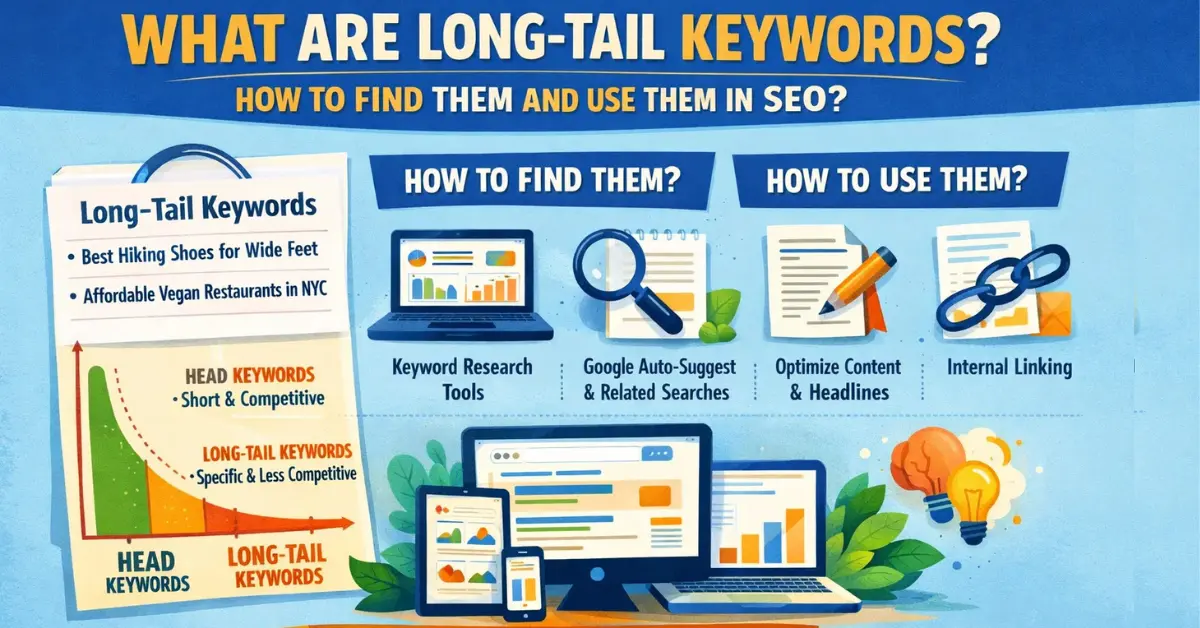
Keywords and Search Intent: Keywords are the words or phrases people type into search engines. Search intent is the reason behind those searches whether someone wants information, to buy something, or to find a place. Matching your content to search intent is one of the most important parts of SEO. For example, if someone searches “how to bake a chocolate cake,” they want instructions (informational intent). If they search “buy chocolate cake near me,” they want to purchase (transactional intent). Using the right keywords ensures your page meets their needs. According to Ahrefs, 92% of keywords get fewer than 10 searches per month, which shows why focusing on intent-driven keywords is smarter than chasing only high-volume ones.
Example: A fitness blog targeting “easy home workout for beginners” will attract readers looking for simple routines, while “buy dumbbells online” would target shoppers ready to purchase equipment.
Content Quality and Relevance: Search engines reward websites that provide useful, clear, and relevant content. Quality content answers user questions directly, uses simple language, and is easy to read. For example, if you write about “best travel tips for India,” your article should include practical advice, updated information, and maybe even personal experiences. Thin or copied content won’t rank well. A study by Semrush found that content with clear structure and headings ranks 34% better than unorganized text. Relevance also matters as writing about “healthy diets” on a fitness blog makes sense, but writing about “car repair” would confuse readers and search engines.
Example: A local bakery’s blog post about “Top 5 Birthday Cake Flavors” is relevant and helpful, while a random post about “best smartphones” would not fit the audience.
User Experience (UX): Site Speed, Design, Mobile Use: User experience (UX) is how visitors feel when using your website. Google considers UX a ranking factor because happy users stay longer. Site speed is critical. Google research shows that 53% of mobile users leave a site if it takes more than 3 seconds to load. A slow site means lost visitors. Design also matters. A clean, easy-to-navigate layout helps users find what they need quickly. Mobile-friendliness is essential since most searches now happen on smartphones.
Example: A clothing shop’s website that loads fast, has clear menus, and works smoothly on mobile will keep customers browsing. In contrast, a slow, cluttered site will make users leave immediately, hurting SEO rankings.
Backlinks and Authority: Backlinks are links from other websites pointing to your site. They act like votes of confidence, the more quality backlinks you have, the more trustworthy your site appears to Google. Authority means your site is seen as reliable in its field. For example, if a local news site links to your bakery’s website, it boosts your credibility. According to Backlinko, pages with more backlinks rank higher 91% of the time compared to those with fewer. Not all backlinks are equal. Links from respected sites (like news outlets or industry blogs) are far more valuable than links from random, low-quality sites.
Example: A fitness blog featured in a popular health magazine gains strong backlinks, improving its authority. Meanwhile, spammy backlinks from unrelated sites can harm rankings.
Comparing a Well-Optimized vs. Poorly Optimized Page
Well-Optimized Page: Fast-loading, mobile-friendly, uses clear keywords, has helpful content, and earns backlinks from trusted sites.
Poorly Optimized Page: Slow, cluttered, stuffed with keywords, irrelevant content, and no backlinks.
Result: The well-optimized page ranks higher, attracts more visitors, and builds trust — while the poorly optimized page struggles to get noticed.
TOOLS FOR BEGINNERS
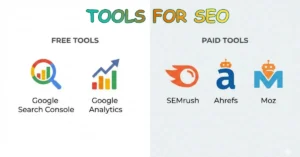
Free SEO Tools: Google Search Console & Google Analytics
For beginners, the best place to start is with free tools provided by Google.
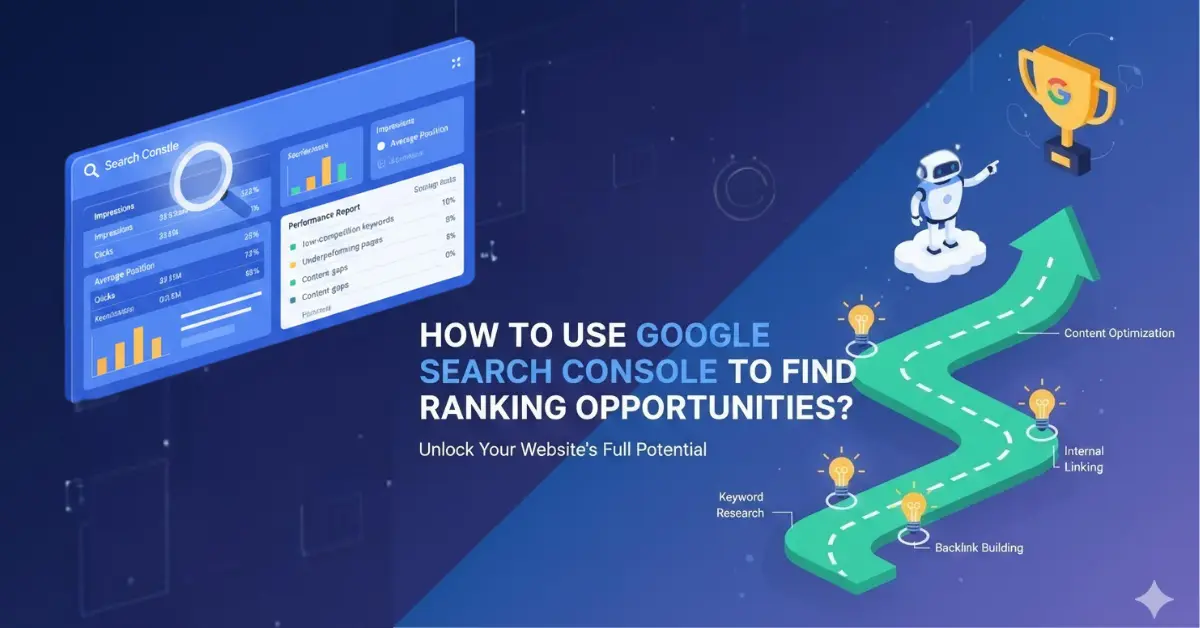
Google Search Console (GSC) helps you see how your website appears in search results. It shows which keywords bring visitors, how many clicks you get, and whether Google can crawl your site properly. For example, if you run a cooking blog, GSC might reveal that your post on “easy pasta recipes” is ranking for the keyword “quick pasta dinner.” You’ll also see if any pages have errors that stop Google from indexing them.
Google Analytics (GA) focuses on what visitors do once they land on your site. It shows where they come from, how long they stay, and which pages they visit most. For example, a bakery website might discover that most visitors come from mobile devices and spend the most time on the “birthday cakes” page. This insight helps the bakery improve that page and make it mobile-friendly. According to Statista, Google Analytics is used by more than 55% of all websites worldwide. Together, GSC and GA give beginners a clear picture of both search visibility and user behavior, which all for free.
Paid SEO Tools: SEMrush, Ahrefs, Moz
Paid SEO tools go beyond the basics and provide deeper insights, especially useful as your website grows.
SEMrush is excellent for keyword research and competitor analysis. For example, if you own a clothing shop, SEMrush can show you which keywords your competitors rank for, like “affordable summer dresses.” You can then create content targeting similar terms.
Ahrefs is best known for backlink analysis. It shows which websites link to your competitors and helps you find opportunities to earn links yourself. For instance, if a local news site links to a competitor bakery, you can reach out to get featured too. Ahrefs data shows that pages with more backlinks rank higher 91% of the time.
Moz offers beginner-friendly tools like keyword explorer and site audits. It’s useful for tracking rankings and spotting technical issues. For example, Moz might highlight missing meta descriptions or slow-loading pages.
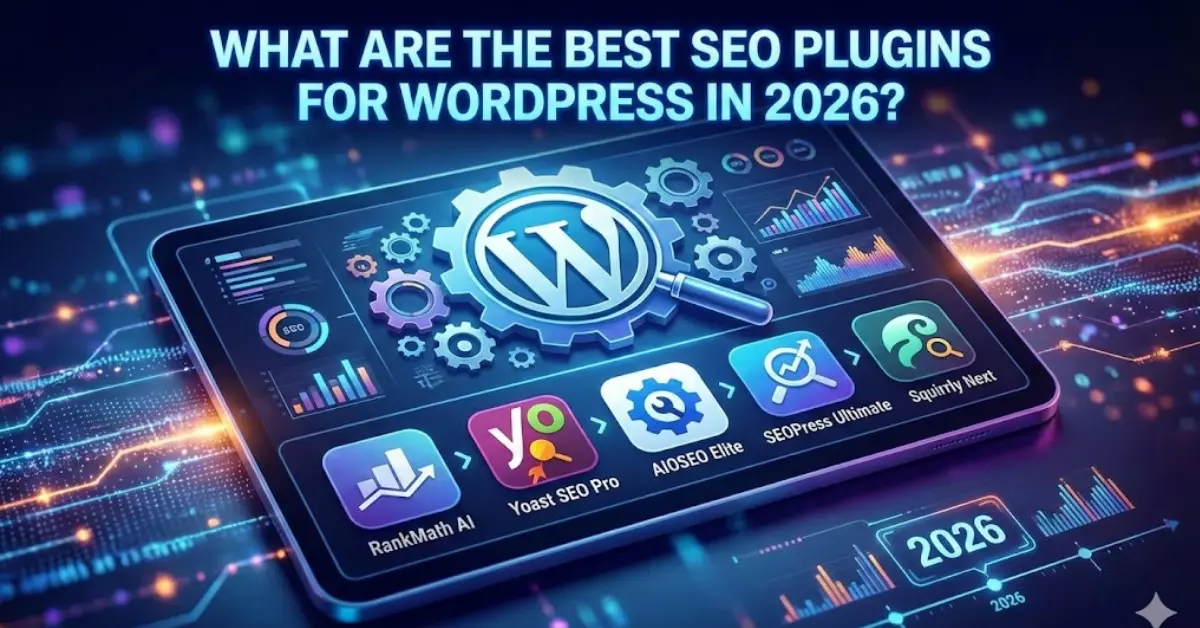
According to Databox, SEMrush and Ahrefs are the two most popular SEO tools among professionals in 2025. While they require a subscription, these tools save time and provide advanced insights that free tools can’t match, which is making them valuable for businesses serious about SEO.
HOW TO START WITH SEO (STEP-BY-STEP)
Step 1: Research Keywords
Keyword research is the foundation of SEO. It means finding the words people type into Google when looking for information. Tools like Google Keyword Planner or Ubersuggest can help. For example, if you run a food blog, you might discover that “easy pasta recipes” gets thousands of searches each month. According to Ahrefs, 92% of keywords get fewer than 10 searches per month, so choosing the right ones matters. Focus on keywords that match user intent — whether people want information, to buy something, or to find a place.
Step 2: Optimize Content
Once you know your keywords, use them naturally in your content. Add them to titles, headings, and meta descriptions, but avoid “keyword stuffing.” For example, a blog post titled “10 Easy Pasta Recipes for Beginners” should include the keyword “easy pasta recipes” in the title and throughout the article. Content should be clear, helpful, and relevant. A Semrush study found that well-structured content with headings ranks 34% better than unorganized text. Always write for people first, search engines second.
Step 3: Improve Technical Aspects
Technical SEO ensures your site is easy for Google to crawl and for users to navigate. Focus on site speed, mobile-friendliness, and fixing broken links. Google research shows that 53% of mobile users leave a site if it takes longer than 3 seconds to load. For example, compressing images and using a mobile-friendly design can make your blog faster and more accessible. A clean site structure with working links helps Google index your pages correctly, improving your chances of ranking higher.
Step 4: Build Backlinks
Backlinks are links from other websites pointing to yours. They act like votes of confidence. The more quality backlinks you earn, the more authority your site gains. For example, if a local news site features your blog and links to it, Google sees your site as trustworthy. According to Backlinko, pages with more backlinks rank higher 91% of the time. Beginners can start by guest posting, collaborating with other bloggers, or sharing content on social media to encourage mentions and links.
Step 5: Track Progress
SEO is not a one-time task as you need to track results regularly. Use free tools like Google Search Console and Google Analytics to see which keywords bring traffic, which pages perform best, and where visitors come from. For example, if your blog’s “easy pasta recipes” page gets 5,000 visits a month, but “healthy salads” only 500, you’ll know where to focus. HubSpot reports that 61% of marketers say improving SEO and growing organic presence is their top priority. Tracking progress helps you adjust strategies and grow steadily.
Example: A new blogger starts a food blog. They research keywords like “easy pasta recipes,” optimize posts with clear titles and headings, improve site speed by compressing images, earn backlinks by guest posting on other cooking blogs, and track progress using Google Analytics. Within months, their traffic grows from 200 to 5,000 visits per month — showing how simple SEO steps can lead to big results.
MEASURING SEO SUCCESS
Metrics: Organic Traffic, Keyword Rankings, Conversions, Bounce Rate
SEO success is measured using key metrics. Organic traffic shows how many visitors come from search engines. Keyword rankings reveal where your site appears for target phrases. Conversions track actions like purchases or sign-ups, proving SEO brings real results. Bounce rate shows how many visitors leave quickly without engaging. For example, if your blog ranks #1 for “easy pasta recipes,” you’ll see more organic traffic and conversions (like newsletter sign-ups). According to BrightEdge, 53% of all website traffic comes from organic search, making these metrics vital for beginners.
Importance of Reports and Tracking Progress
Reports help you understand whether your SEO efforts are working. They organize data into clear sections like traffic, rankings, and conversions. Tracking progress over time shows growth and highlights areas needing improvement. For example, if your bounce rate is high, you may need to improve content or site speed. HubSpot reports that 61% of marketers say growing SEO and organic presence is their top priority. Beginners benefit from reports because they turn complex data into simple insights, making it easier to adjust strategies and prove SEO’s value to clients or managers.
Example: Imagine a beginner blogger who writes about healthy recipes. In January, their site gets 500 visits. After optimizing titles, adding keywords like “easy salad recipes,” and improving site speed, traffic grows to 1,200 visits in February. By March, it reaches 2,000 visits. Reports from Google Analytics confirm the growth, showing which pages perform best. This month-over-month increase proves that SEO changes are working. Over time, the blogger also sees higher conversions, like more people signing up for a newsletter. This simple example shows how tracking SEO results helps beginners measure success clearly.
COMMON MISTAKES BEGINNERS MAKE
Starting with SEO can feel exciting, but many beginners make mistakes that hurt their website’s performance. Let’s look at three of the most common ones.
Keyword Stuffing
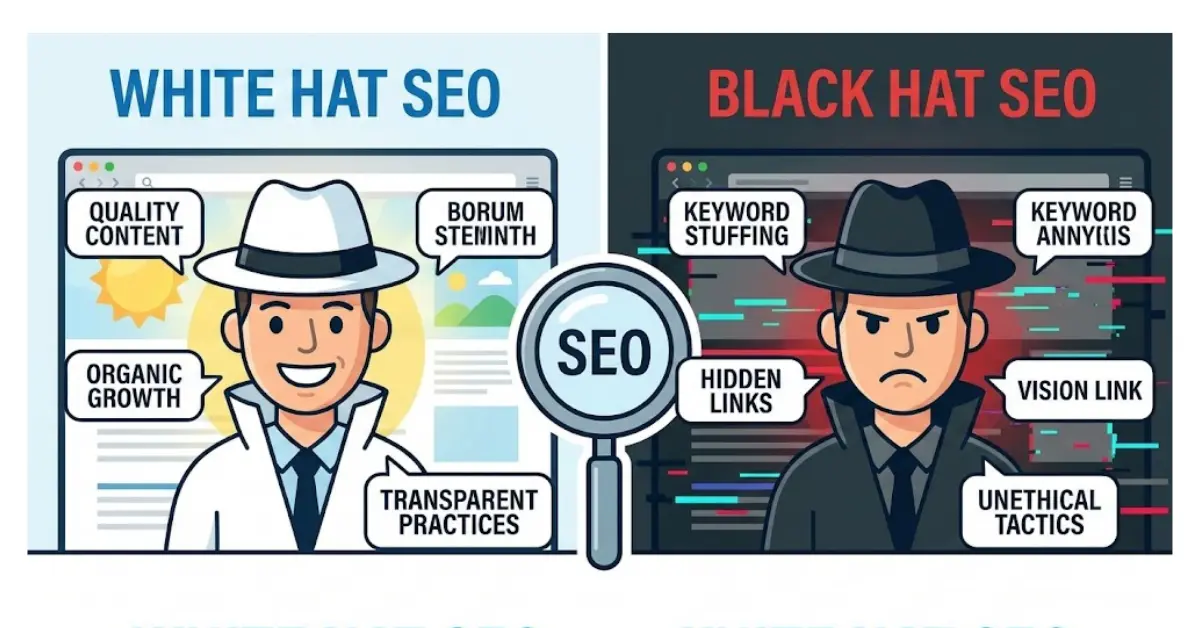
Keyword stuffing means using the same keyword too many times in a page. For example, a bakery website might repeat “best cakes near me” in every sentence. This makes the content unnatural and hard to read. Google’s algorithms are smart enough to detect this and may lower your rankings. Instead, use keywords naturally and include related terms. A study by Semrush found that overusing keywords can reduce rankings by up to 20% because it signals poor content quality.
Ignoring Mobile Optimization
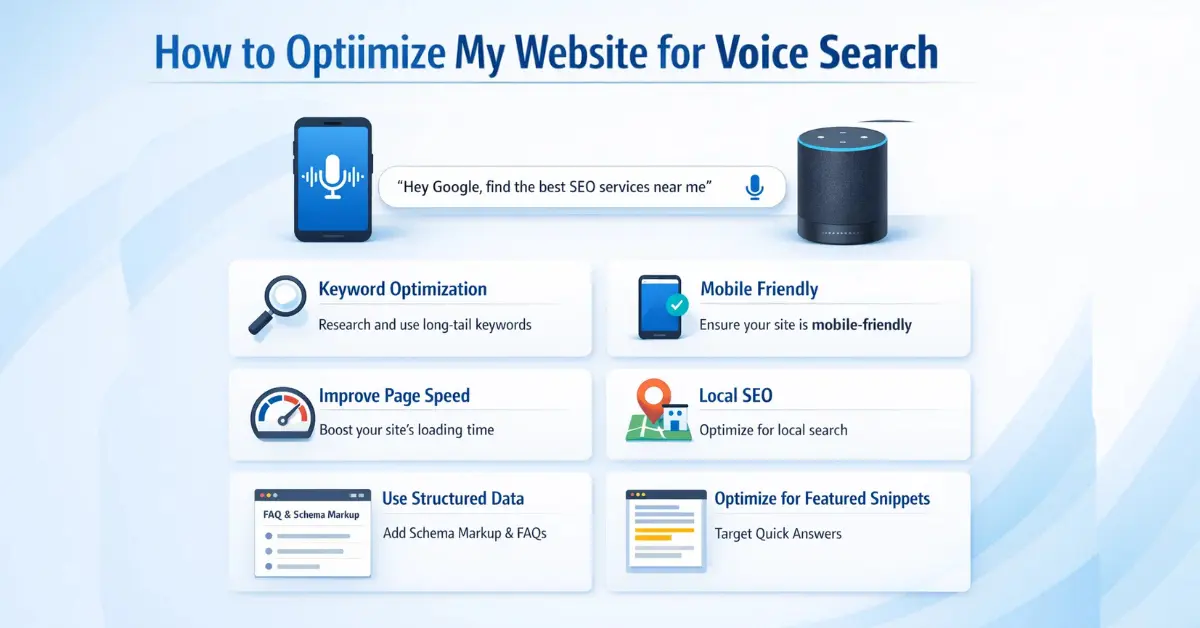
Most searches today happen on mobile devices. If your site isn’t mobile-friendly, users will leave quickly. Google research shows that 53% of mobile users abandon a site if it takes longer than 3 seconds to load. Beginners often forget to test their site on phones, focusing only on desktop. Simple fixes like responsive design, compressed images, and easy navigation can make a big difference. For example, a clothing shop with a mobile-friendly site will attract more customers than one with a slow, cluttered mobile page.
Not Tracking Results
Another mistake is ignoring reports and analytics. Beginners may publish content but never check if it’s working. Without tracking, you won’t know which pages bring traffic or which keywords rank. Tools like Google Search Console and Analytics are free and show clear insights. HubSpot reports that 61% of marketers say growing SEO and organic presence is their top priority, but this is only possible if you measure progress.
Example: Imagine a blog with excellent recipes but slow loading times. Visitors leave before reading, and rankings drop. Even with great content, poor speed kills SEO success. Fixing technical issues ensures your hard work pays off.
BEST PRACTICES FOR BEGINNERS
Starting with SEO can feel overwhelming, but following a few best practices makes the journey easier and more effective.
Focus on User Intent, Not Just Keywords: Keywords are important, but what matters most is user intent the reason behind a search. For example, someone searching “how to bake a chocolate cake” wants instructions, while “buy chocolate cake near me” shows they want to purchase. Matching your content to intent ensures relevance. A Google study found that 61% of users expect search results to match their exact needs, not just keywords.
Keep Content Fresh and Updated: Search engines prefer websites that stay current. Updating old posts with new information, statistics, or examples can boost rankings. For instance, a travel blog updating its “Top 10 Destinations in 2023” to “Top 10 Destinations in 2026” signals freshness. HubSpot reports that updating old blog posts can increase traffic by up to 106%.
Build Quality Backlinks, Not Spammy Ones: Backlinks from trusted sites act like votes of confidence. Quality matters more than quantity. For example, a bakery featured in a local newspaper gains a valuable backlink. In contrast, buying hundreds of spammy links can harm rankings. According to Backlinko, pages with high-quality backlinks rank higher 91% of the time.
Example: Imagine a beginner blogger with a post titled “Best Healthy Recipes for 2022.” By updating it to “Best Healthy Recipes for 2026,” adding new tips, and improving images, the post becomes more relevant. Google notices the freshness, rankings improve, and traffic grows.
By focusing on intent, keeping content fresh, and building trustworthy backlinks, beginners can steadily grow their SEO success.
CONCLUSION
SEO is not about shortcuts; it is about visibility, trust, and long-term growth. This complete SEO guide explains how understanding search engines and applying core fundamentals helps beginners improve discoverability. Starting with keywords, quality content, and technical basics builds a strong foundation over time.
SEO should always be treated as a long-term investment, not a quick win. According to BrightEdge, 53% of all website traffic comes from organic search, proving SEO’s impact. Following a complete SEO guide step by step prevents overwhelm and encourages consistent progress.
Practice SEO basics regularly and focus on creating value for your audience. Keep content updated, monitor performance, and fix issues as they arise. With patience and consistency, this complete SEO guide will help your website earn rankings, traffic, and trust.
FAQs
1. What is SEO and why does it matter for websites?
SEO helps your site rank higher on search engines so more people can find your content without paid ads.
2. How long does SEO take to show real results?
SEO usually takes 3–6 months to show steady improvements, depending on your website quality, content, and competition.
3. What are the main types of SEO I should focus on?
Focus on on-page SEO, off-page SEO, and technical SEO to improve rankings, user experience, and site performance.
4. Are keywords still important for ranking in 2025?
Yes, keywords matter, but Google now focuses more on search intent, content quality, and user satisfaction.
5. Why are backlinks important for SEO success?
Backlinks act as trust signals. Quality links from relevant sites boost your authority and help improve Google rankings.
6. How can I check if my SEO strategy is working well?
Track rankings, traffic, clicks, and engagement using tools like Google Search Console and Analytics.
7. What basic things should every website do for SEO?
Use quality content, natural keywords, fast loading pages, mobile-friendly design, and strong internal links.