If you want your website to rank higher, attract qualified visitors, and convert traffic into leads or sales, you must understand what is on-page SEO. Marketers talk a lot about backlinks and technical fixes, but the foundation of real search visibility still starts with your content and how your pages are built. Before you worry about ads or fancy tools, you need to know what is on-page SEO, how it works, and why it affects every ranking you earn. Many brands skip this step, which is why so many websites never grow. When you know what is on-page SEO, you gain control. You understand what to fix, how to improve, and what search engines expect from a high quality page. This guide breaks down everything you need so you can apply it to your site today.
To help you connect the dots, this article will also cover related topics like on-page SEO service, on-page optimization, on site SEO, on-page SEO audit, and how on page work compares to what is off page SEO. You will learn what to optimize, how to check SEO on your site, and how solid optimization helps you rank first on Google or at least rank on the first page of Google.
What Is On-Page SEO: A Simple Definition
Before anything else, let’s define the focus keyword in plain language.
What is on-page SEO? It refers to all the content, structure, tags, and elements inside your website pages that help search engines understand your topic and judge your relevance. It is the part of SEO you can directly control. That is why so many businesses invest in on-page SEO service or run regular on-page SEO audits to stay competitive.
If you have seen the phrase on-page SEO definition or on-page SEO description, they mean the same thing. Search engines rely on the signals within your pages to decide your ranking. When those signals are strong, you gain visibility. When they are weak or missing, your competitors outrank you.
Many people confuse on page and off page work. So let’s clear it up quickly.
On-Page SEO vs Off Page SEO
You already know what is on-page SEO, but how is it different from what is off page SEO?
On page work includes your keywords, headings, URLs, internal links, images, and user experience. Off page work includes backlinks, mentions, and brand signals. You need both, but mastering your on site elements helps every link you build perform better.
When businesses ask for on page and off page SEO packages, it is because both sides support each other. Still, on page work is the starting point. You can think of off page SEO as your reputation and on-page SEO as your foundation.
Types of On-Page SEO
When people talk about types of on-page SEO, they usually group them into three areas:
Content elements
Keywords, topic depth, content quality, and clarity.
HTML elements
Title tags, meta descriptions, header tags, image alt text, schema, and structured data.
Site experience elements
Page speed, mobile experience, layout, internal links, and user signals.
A complete on site SEO strategy includes all three categories. You cannot skip any of them if you want strong rankings.
Key On-Page SEO Elements You Must Master
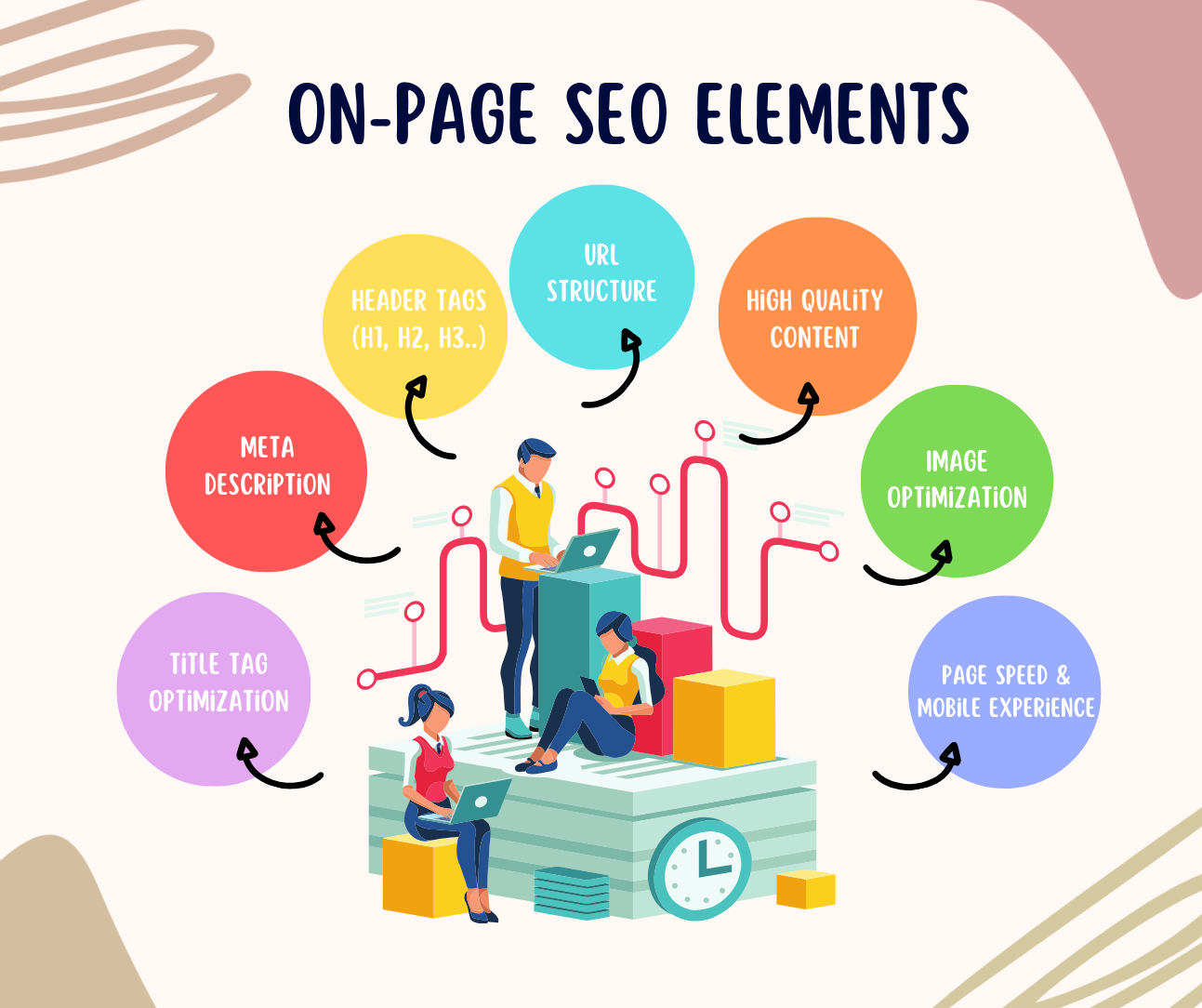
To truly understand what is on-page SEO, you need to know the individual components. Below are the most important on-page SEO elements and how each one affects ranking.
Title Tag Optimization
Your title tag tells both users and search engines what your page is about. Include your main keyword naturally. A well written title tag boosts clicks and makes your page more relevant.
Meta Description
While meta descriptions are not a direct ranking factor, they influence clicks. A high click-through rate supports better visibility, which is why every on-page SEO audit evaluates your meta descriptions.
Header Tags (H1, H2, H3)
Use headers to break content into clear sections. Search engines read headers to understand structure. This is where you should place key terms like on page optimization, seo on page optimization, and even variations such as on page search engine optimization when they fit naturally.
URL Structure
Clean URLs are easier for users to understand and easier for search engines to crawl. Keep them short and descriptive.
High Quality Content
Search engines reward pages that answer questions fully. If someone searches on-page SEO best practices, on-page SEO analysis, or check keywords on a page, they expect specific guidance. Your content should provide complete answers and include supporting examples.
Internal Links
This helps distribute authority and guide users to relevant pages. For example, connecting your blog post to your on site SEO guide or on-page SEO service page strengthens both.
Image Optimization
Images need descriptive alt text. It helps accessibility and gives search engines context.
Page Speed and Mobile Experience
Slow pages lose users. Search engines see high bounce rates as a sign of poor optimization. Every on-page SEO audit checks performance because it influences your rankings.
What Is On-Page SEO: Why It Matters More Than Ever
Search engines improve constantly. Google now evaluates intent, expertise, and user happiness. All of that is influenced by your on page experience. When you know what is on-page SEO, you create pages that search engines can understand and trust.
Here is why it matters:
You control it
Unlike backlinks, you decide every part of on page optimization. That means faster improvements and measurable wins.
It increases relevance
Search engines need signals that your content is the best answer. Strong on-page SEO optimization gives them those signals.
It boosts every page on your site
Once you tighten your on site SEO structure, every new article performs better.
It makes your off page work more effective
Even strong backlinks cannot save a poorly optimized page. On page fixes give your site a real advantage.
How To Do On-Page SEO Step By Step
If you want to know exactly what is on-page SEO in practice, this step by step process will help.
Step 1: Start With Keyword Research
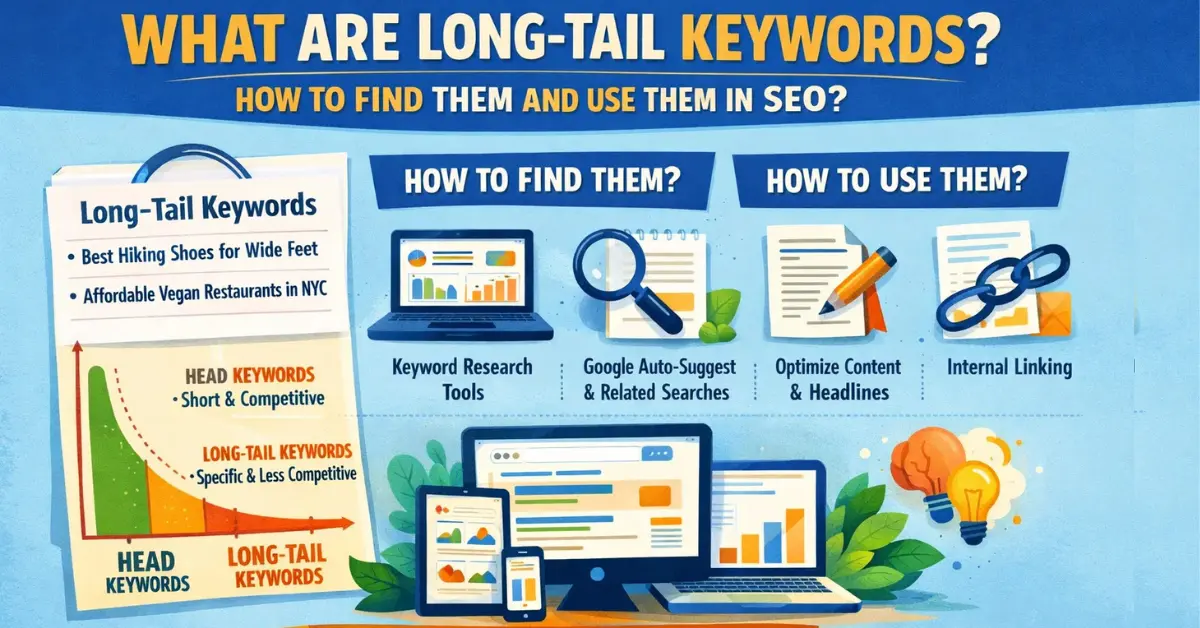
Identify your primary keyword and supporting terms. For example, if your main keyword is what is on-page SEO, related phrases like on page optimization, on site SEO strategy, check SEO on my site, and on-page SEO elements should be part of your content plan.
Use tools like Google Search Console, Semrush, or Ubersuggest. Many marketers search semrush on-page SEO to run detailed audits or keyword reports.
Step 2: Write a Clear, Helpful Introduction
You should include your focus keyword early. Search engines read your introduction to understand your topic. This article used what is on-page SEO four times within the first 200 words to set context.
Step 3: Optimize Your Headings
Include variations like on page search engine optimization and on-page SEO best practices naturally.
Step 4: Improve Readability
Short paragraphs, simple language, and logical flow make your content stronger. Users stay longer and interact more, which supports higher rankings.
Step 5: Add Internal Links
Point readers to guides, service pages, and blog posts. This tells search engines your content ecosystem is connected.
Step 6: Optimize Images
Add descriptive alt text. Never stuff keywords, but include context that helps search engines understand the image.
Step 7: Strengthen Your Metadata
Write titles and descriptions that attract clicks. Common searches include what is my website ranking, check SEO on my site, and on-page SEO check. Write meta tags that speak to user intent.
Step 8: Run an On-Page SEO Audit
Use Semrush, Ahrefs, or Screaming Frog. A strong on-page SEO audit reveals missing tags, keyword gaps, slow pages, and broken links.
On-Page SEO and User Experience
If you want to improve ranking, you need more than keywords. You need a smooth experience. Search engines measure how users move through your site. If people search rank first on Google or rank on first page of Google, they often overlook that user experience is as important as keywords.
Focus on:
- Fast load times
• Clean layout
• Mobile usability
• Clear fonts
• Easy navigation
• Helpful visuals and examples
A strong user experience supports your on page signals. Together, they increase your visibility.
On-Page SEO Service: When Should You Hire One?
Some businesses prefer doing the work themselves. Others hire an on-page SEO service to speed up results. You should consider hiring help if:
- Your website is large
• You are unclear about your on site SEO structure
• You need help with technical issues
• You lack time to run audits
• You want faster rankings
An expert can provide a complete on-page SEO analysis, fix your content structure, improve metadata, and strengthen internal linking. They can also help you understand terms like on-page SEO ki or create multilingual optimizations if your audience is global.
How To Check SEO On Your Site
People often search check SEO on my site or on-page SEO check because they want a quick health report. Here are easy ways to check:
- Use Google Search Console.
- Run a site audit on Semrush or Ahrefs.
- Use browser extensions like SEO Minion.
- Look for missing title tags, weak keyword usage, and slow load times.
- Review your headings and internal links.
If your pages have thin content, missing structure, or unclear intent, search engines will not reward you.
What Is On-Page SEO: The Most Common Mistakes
Even when people know what is on-page SEO, they often make these mistakes:
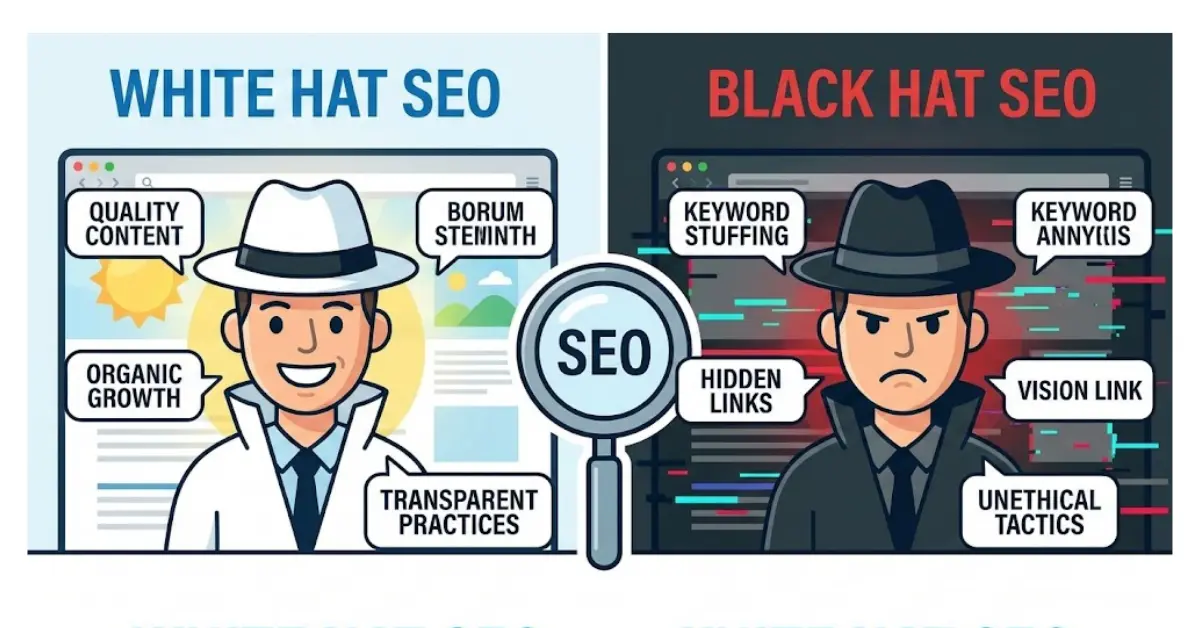
- Keyword stuffing
• Missing H1 or messy headers
• No internal links
• Thin content that does not answer user questions
• Slow mobile pages
• Unoptimized images
• Duplicate pages or titles
• No plan for on page and off page SEO integration
Fixing these issues leads to quick wins. Many sites see improvements within weeks.
How On-Page SEO Helps You Rank Higher
If your goal is to rank first on Google or at least rank on first page of Google, on page signals play a major role. Google wants to show the best possible result. When your page is clear, complete, fast, and relevant, you give Google confidence.
Key benefits include:
- Higher visibility
• Stronger authority
• Better click through rates
• Longer session duration
• More conversions
On page fixes are one of the fastest ways to increase traffic without spending money on ads.
Final Thoughts: What Is On-Page SEO and Why It Matters
By now, you fully understand what is on-page SEO, why it matters, and how to apply it. On page optimization is the foundation of every ranking strategy. It is the part of SEO you can control with precision. When you get your titles, content, structure, and user experience right, you give your website a real chance to grow.
Whether you use a professional on-page SEO service or handle the work yourself, the goal is the same. Build pages that help people, answer questions, load fast, and show clear relevance. Pair that with strong off page signals, and your website can compete in any niche.
If you ever wonder what is my website ranking or how to improve it, remember that the simplest answer starts here. Fix your on-page SEO, strengthen your content, and apply the best practices in this guide. That is how you create pages that rank, pages that convert, and pages that stay visible for the long term.
FAQs
1. What is on-page SEO?
On-page SEO is the process of optimizing the content and structure of your website pages so search engines understand your topic and rank your pages higher.
2. Why is on-page SEO important for ranking?
It matters because search engines rely on on page signals like keywords, metadata, and user experience to judge relevance. Strong on page optimization improves visibility fast.
3. What is the difference between on-page SEO and off page SEO?
On-page SEO focuses on your website’s content and structure. Off page SEO includes backlinks, mentions, and signals from outside your site. You need both to rank well.
4. What are the main elements of on-page SEO?
Key elements include title tags, meta descriptions, headers, URLs, internal links, images, page speed, mobile experience, and content quality.
5. How do I optimize my website for onpage SEO?
Start with keyword research, write clear content, improve headings, optimize images, add internal links, and run an on-page SEO audit to fix technical gaps.
6. How often should I perform an on-page SEO audit?
Most websites benefit from an audit every three to six months. Large or frequently updated sites may need monthly checks.
7. Does on-page SEO help me rank on the first page of Google?
Yes. Strong on page optimization improves relevance and user engagement, both of which help you rank first on Google or at least improve your page position.
8. What tools help with on-page SEO?
Popular tools include Google Search Console, Semrush, Ahrefs, Screaming Frog, and browser extensions like SEO Minion.
9. Can I handle on-page SEO myself or should I hire a service?
You can do it yourself if you understand the basics. If your site is large or you want faster results, an on-page SEO service can save time and improve performance.
10. What mistakes should I avoid in on-page SEO?
Avoid keyword stuffing, missing headers, weak metadata, slow pages, thin content, broken links, and ignoring mobile experience.